Trade Agreements: Sales Price
Sometimes there is a need for an item to have a price specifically valid for:
- Store currency;
- A fixed time period;
- A certain sales unit;
- An item’s variant;
- A fixed quantity;
- A price group or specific store;
- A customer or customer group;
- A combination of any of the above.
This can be done by setting up the item’s sales price in Trade agreements. In the POS the system checks if the item has a valid sales price in trade agreements. If it is found then the system has a new valid sales price, which overwrites the sale’s base price.
The Sales Price in Trade agreements is accessible from the item, customer and price group.
 How to set up a sales price:
- Go to the retail item card for the selected item.
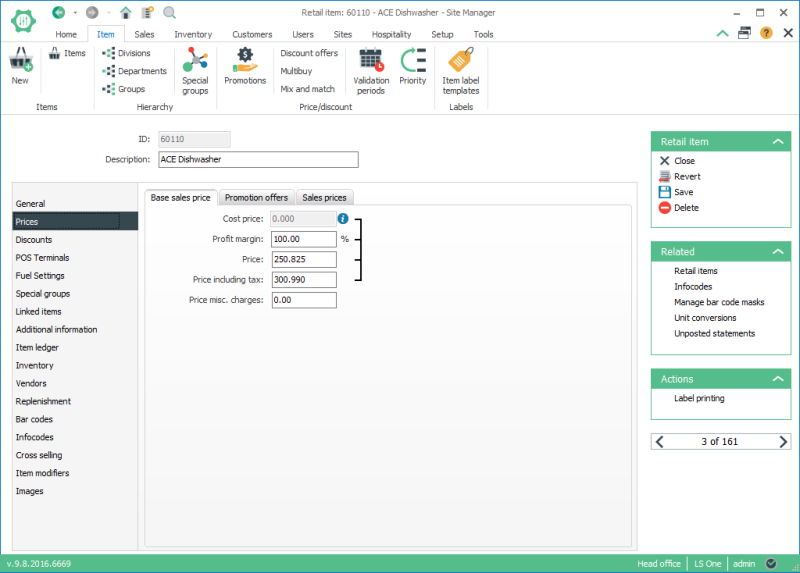
- Open the price tab
- All prices that have already been created for this item are displayed on the list.
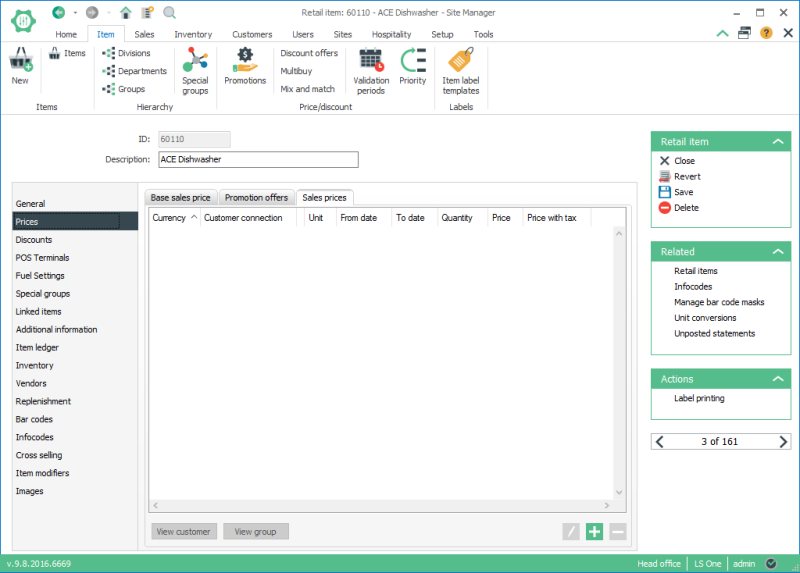
- Use the Add button
 to add in a new sales price. This window sets up the new sales price and the requirements for this sales price to be used.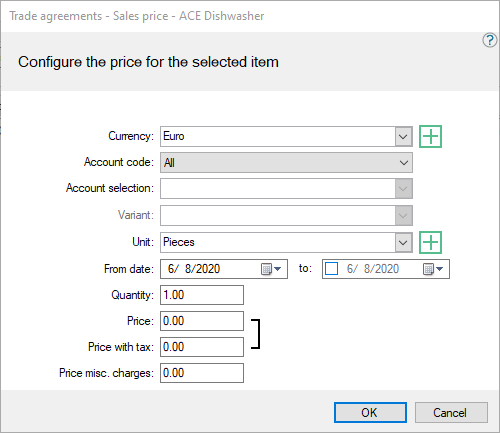
- Enter data for the fields. The new price is entered here; most of the other fields are configured with the limitations for the new price to be active. Explanations of the fields are in the table below.
- Press OK.
| Updated: | 24th July 2016 |
| Version: | LS One 2016.1 |

